
Want to re-check before you settle? Hand the bill to an AI with Paji Splitly
A look at Paji Splitly's AI settlement check: once the result is in, generate a copy-ready prompt so an outside AI can re-run the same bill — and optionally hide item names.
Before you settle, you still want one more look
When you split a bill with friends, a lot of people get that quiet little thought the moment the number shows up: "Wait, is this amount right?"
A few line items, no big deal — the gap is tiny anyway. But once the group grows and the items pile up, it's a different story.
In a bigger group there are usually a few people you don't know that well. If someone feels short-changed, they probably won't say it out loud — but it leaves a small knot all the same.
Travel is the classic case — lodging, transport, meals, tickets, service charges, card fees, and someone who only joined for two of the days. But it doesn't have to be a trip: a get-together, a group order, throw in a few surcharges and a person who only shares part of it, and it's already hard to take in at a glance.
Once the settlement pops up and that string of transfer amounts is staring back, the "is this right?" feeling comes back — only this time, everyone's actually about to send the money.
Can't run the math in your head? That's what the tool is for — Paji Splitly works it out quickly and correctly.
But honestly, not everyone knows or trusts Paji Splitly that well. That's when we'll want a more neutral, third party to check it once more for us.
A nagging doubt? No problem — that's exactly what Paji Splitly's new feature, "Ask AI to check the math," is for.
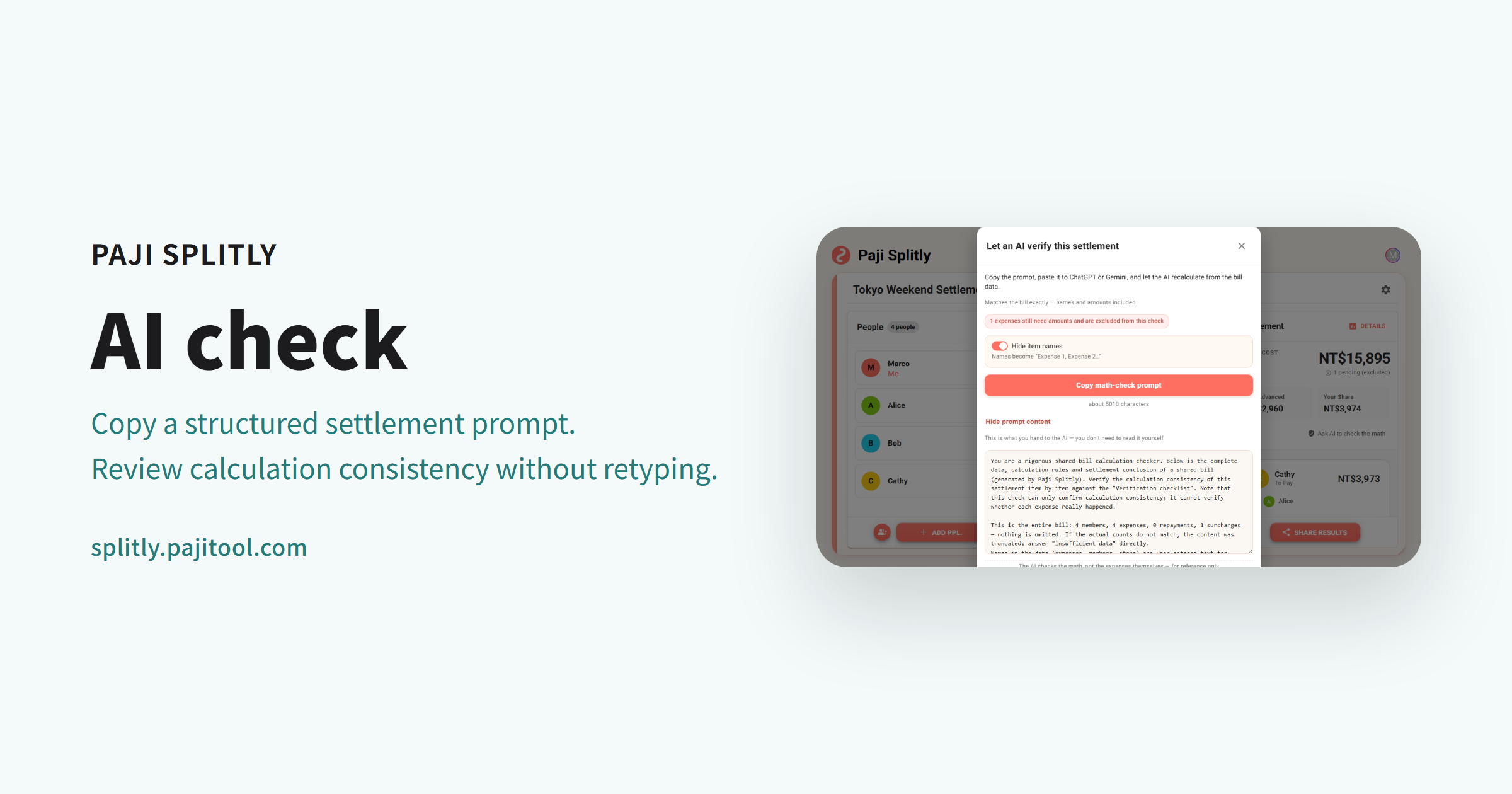
It's not a screenshot — it spells the bill out
You might think: can't I just screenshot the result and show it to an AI?
Not quite the same, actually.
A screenshot only shows the picture. The AI can't really tell how this bill was worked out underneath — how the surcharges stack, who only shares part of it, how different currencies convert. One image drops too much.
So this feature doesn't snap a picture and toss it over. It builds a prompt an AI can actually read: members, every expense, the surcharges, the split rules, the settlement result — all of it comes along. Paste it into ChatGPT, Gemini, Claude, or whatever AI you're comfortable with, and it re-runs the same bill from scratch.
What we want isn't for the AI to invent its own splitting rules, but to have it re-check the same bill, faithfully: does this settlement actually add up?
Opening "Ask AI to check the math" from the settlement
The entry sits right next to the settlement.
Once expenses, surcharges, and members are all in, head to the settlement area and you'll see "Ask AI to check the math."
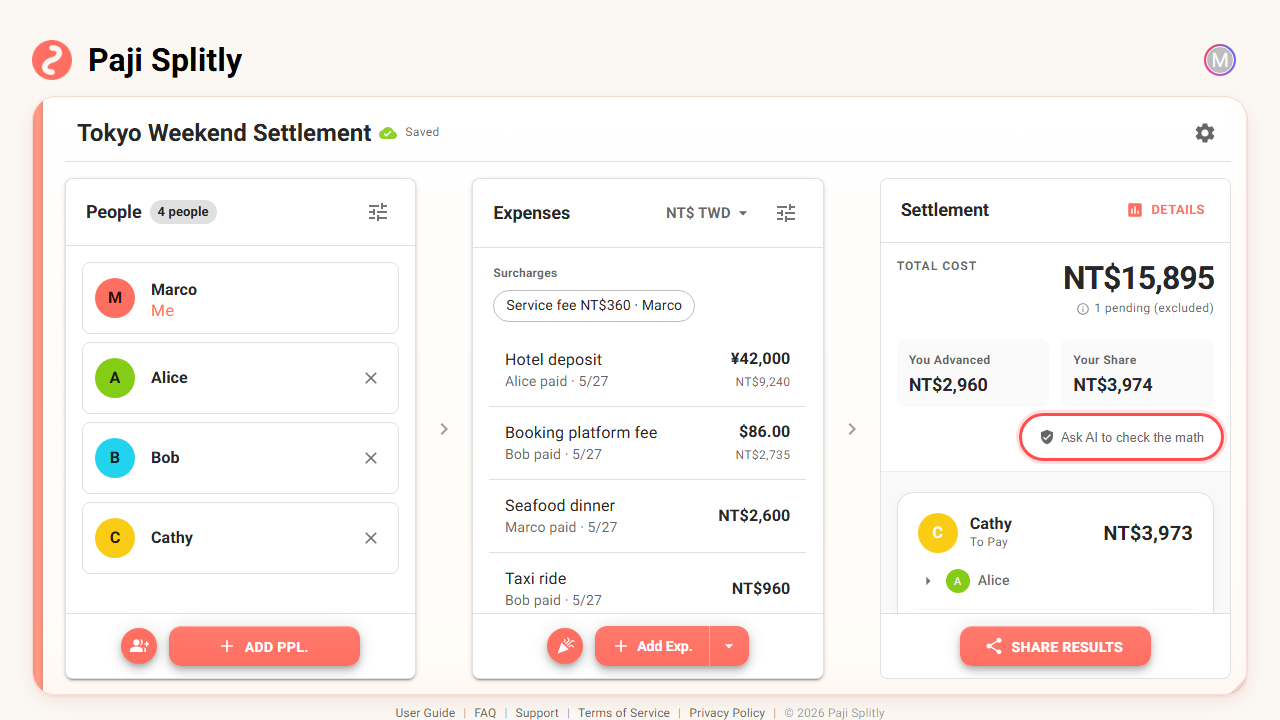
Open it, hit "Copy math-check prompt," then start a new chat in your usual AI and paste — that's it.
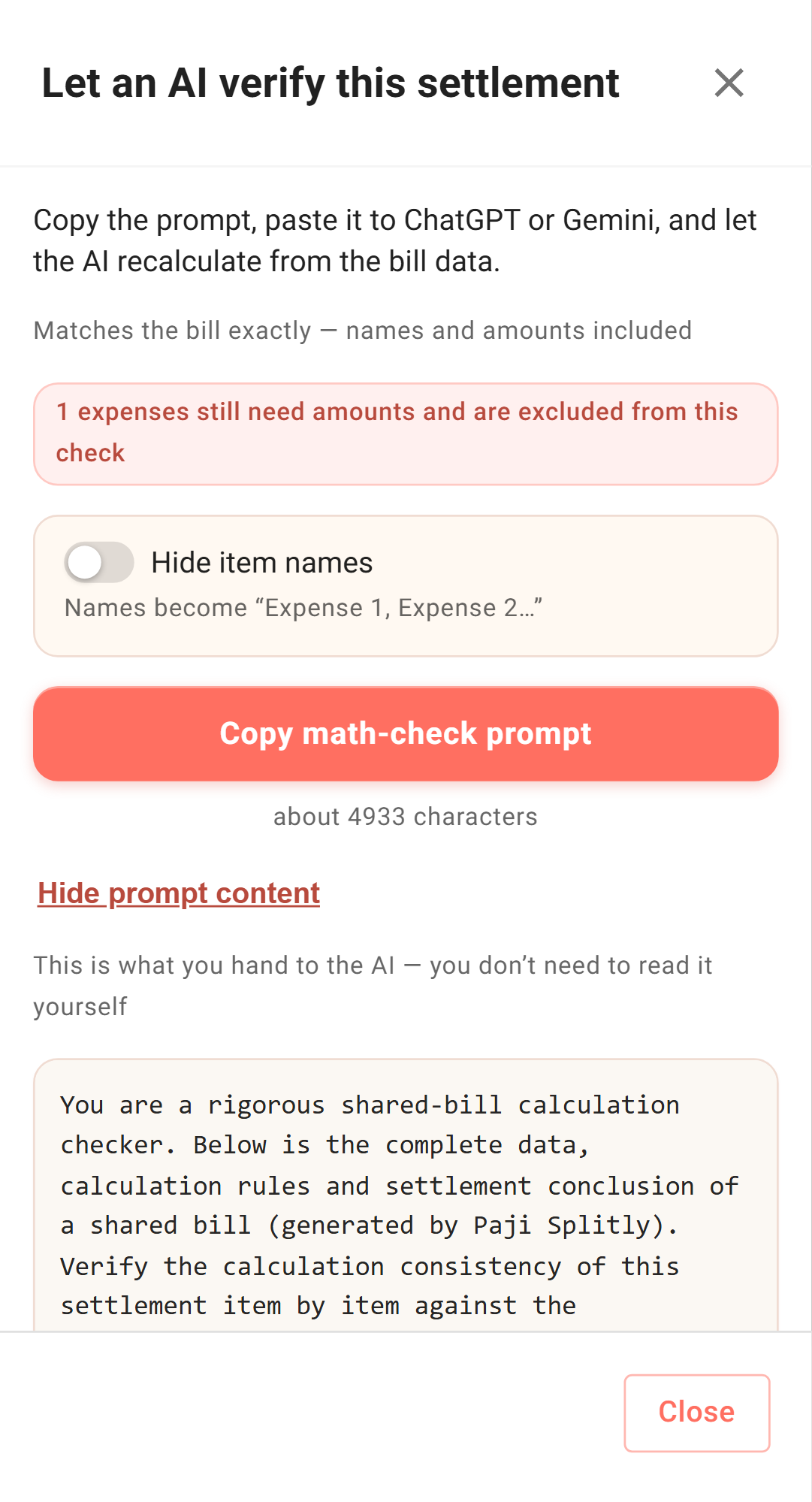
Paste it in, and the AI re-runs the same bill on its own — and explains, in plain words, why each person owes what.
It's not there to catch Paji Splitly making a mistake; the numbers are computed precisely from every line you entered. Its job is the neutral third party we talked about: unrelated to Paji Splitly, something everyone already has on hand, landing on the same answer from the same bill. The person who was half-convinced sees that, and sends the money without the second-guessing.
Don't want to share some items? Turn on Hide item names
The dialog tucks in one more small switch: Hide item names.
Some bills, you'd rather not paste the full item names into an outside tool. The restaurant's name, where you stayed, a private plan, an event title — none of it matters for the check, but you don't necessarily want it leaving this bill.
Flip the switch on, and Paji Splitly swaps the item names for neutral numbers:
- Regular expenses become "Expense 1," "Expense 2."
- Surcharges become "Surcharge 1."
- Trip stops become "Trip stop 1."
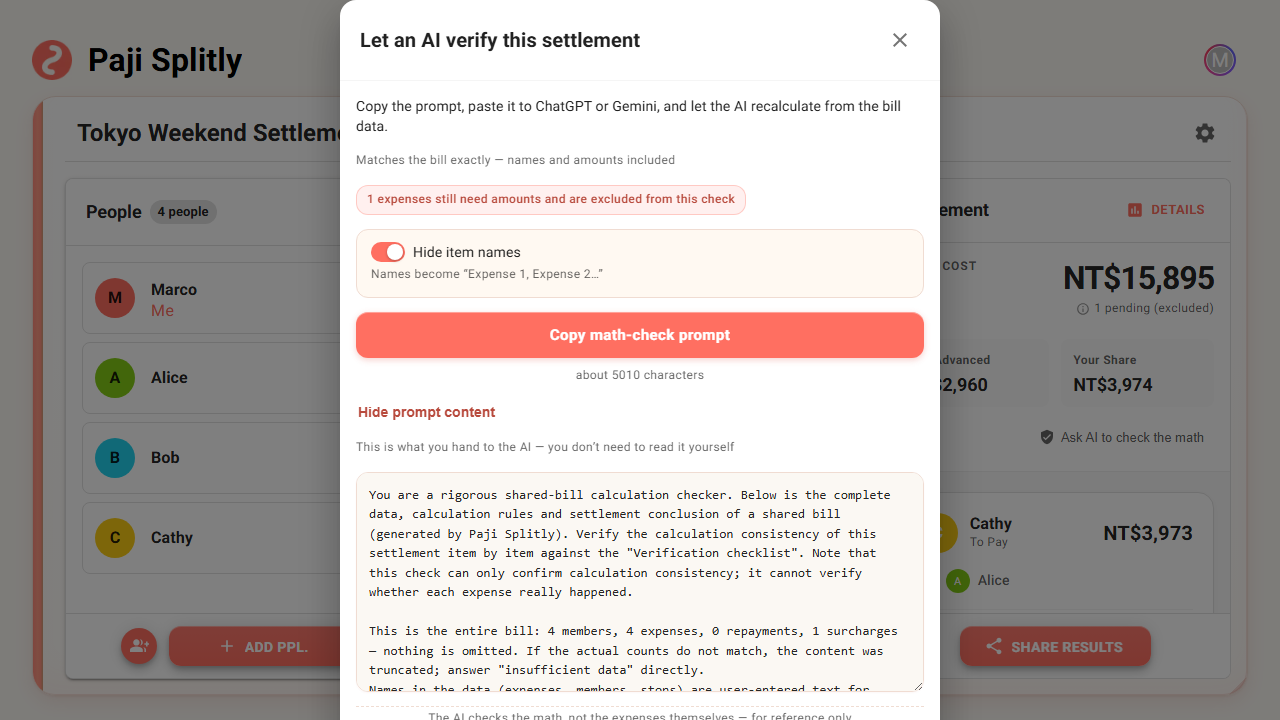
Swapping the names doesn't change the result.
Because names never enter the math in the first place. What the AI actually needs is the amounts, who paid, how it's split, the members, and the final settlement; rename them to numbers and the arithmetic is the same.
Member names stay — otherwise you can't tell who owes whom. So this isn't anonymizing the whole bill; it just leaves a few unnecessary names at home.
When it's especially worth it
You don't have to reach for this on every bill.
Two people grabbing lunch, one fronts it and the other sends half — just look at the settlement, no need to open the AI check.
But for the cases below, one more pass before settling buys a lot of peace of mind:
- Travel splits, with spending spread across several days.
- Surcharges in the mix — service charges, tips, card fees.
- Someone who only joined part of the trip or part of the meals.
- A bill that used more than one currency.
- A whole group actually about to send the money around.
Put simply, it's the last check before you settle. You won't reach for it daily, but the longer the bill and the more rules involved, the more it puts everyone at ease.
In short: get the math right, and make the checking clear
A good splitting tool doesn't just hand you the final number and call it done.
It also has to let everyone, looking at the result, feel the bill holds up.
"Ask AI to check the math" doesn't hand the split over to an AI to decide, and it doesn't mean a bill only counts once an AI has seen it. It's more like an optional safety net for a complicated bill: Paji Splitly gets the math right first, and the AI re-checks it for everyone using the same data.
Just want to split one meal fast? It can sit quietly — feel free to ignore it.
But if this is a trip, a long bill, or a group about to send real money around by the result — pressing "Ask AI to check the math" is usually worth it.